AI-generated videos are becoming more popular every single day, but one trend is growing faster than most others. If you’ve spent even a few minutes on Instagram Reels, TikTok, or YouTube Shorts, you’ve probably seen realistic embroidery videos where a simple portrait slowly turns into beautiful stitched artwork. The moving needle, colorful threads, and fabric texture make these videos surprisingly satisfying to watch. The best thing about this trend is that you don’t need professional editing skills. With the help of modern AI tools, anyone can create these videos in just a few minutes. If you’re planning to start an AI content page or simply want to try a new editing style, this guide will help you create your first Embroidery AI Video from start to finish.
What Is an Embroidery AI Video?
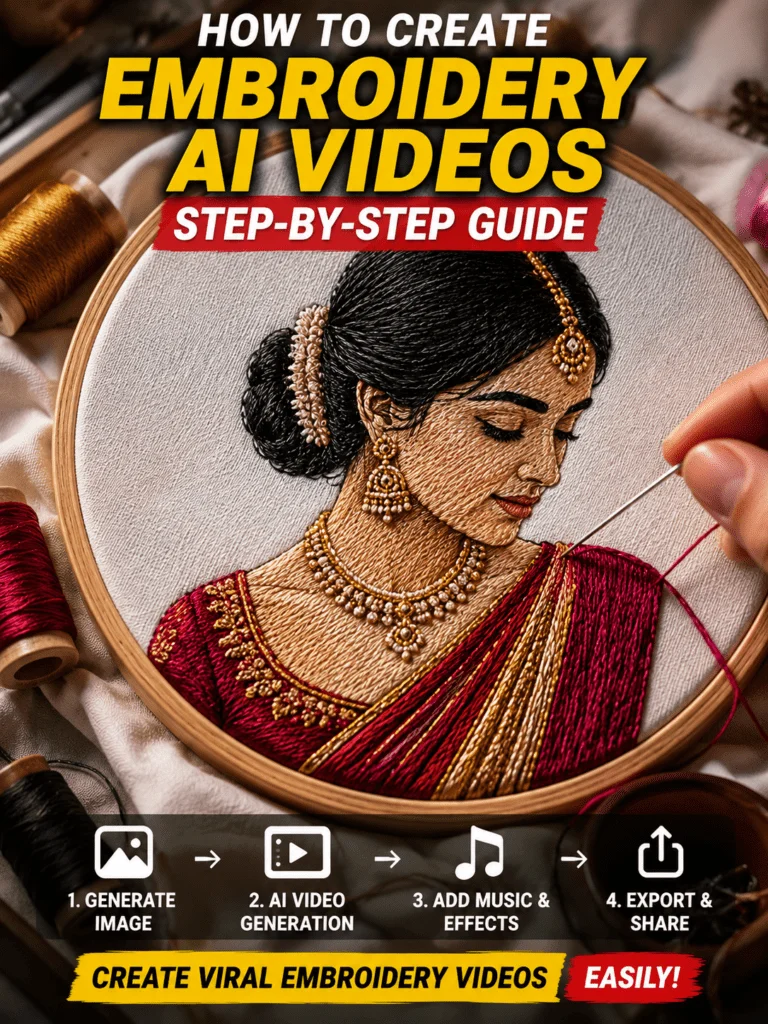
An Embroidery AI Video is an AI-generated animation that transforms a normal image into realistic embroidery artwork. Instead of showing the final image immediately, the AI gradually stitches every part of the design using colorful threads while a sewing needle moves naturally across the fabric. This editing style looks unique because every stitch appears one by one. The realistic fabric texture, embroidery hoop, soft lighting, and smooth camera movement make the final animation feel almost real. That’s exactly why these videos receive millions of views across different social media platforms.
Tools You’ll Need to Create Embroidery AI Videos
Before you begin, make sure you have the right tools. You don’t need expensive software because most of the work is handled by AI. You can use ChatGPT to create detailed prompts, while tools like Google Veo, Kling AI, Runway, Hailuo AI, or Pika can generate the animation. After that, you can use CapCut to add background music, adjust the timing, and export the final video in high quality.
Using a detailed prompt is very important because better prompts usually produce much better embroidery animations.
How to Create Viral Embroidery AI Videos
Creating an embroidery animation is much easier than most beginners expect.
Start by choosing a high-quality portrait or image. A clear photo always produces better results than a blurry one. Once you’ve selected your image, generate an embroidered version using your preferred AI image generator. Your prompt should mention realistic embroidery threads, detailed stitching, wooden embroidery hoop, cotton fabric texture, soft lighting, and high-resolution quality.
After your embroidery image is ready, upload it into an AI video generator. Tell the AI to animate the sewing needle naturally while colorful thread appears stitch by stitch. Adding a slow camera zoom also makes the animation look much more realistic and professional. When the animation is complete, open the video inside CapCut. Add relaxing background music if needed, make small color adjustments, and export the video in Full HD or 4K quality. Your embroidery AI video is now ready to upload.
Tips to Make Your Embroidery AI Videos Go Viral
Creating the animation is only one part of the process. The quality of your content also plays a huge role in reaching more people. Always use high-resolution images because low-quality photos reduce the final output. Keep your videos between 10 and 20 seconds since shorter videos usually perform better on Instagram Reels and YouTube Shorts. Try to use smooth camera movement instead of fast zooms because realistic motion looks more natural.
It’s also a good idea to upload consistently. Many creators stop after posting only a few videos, but regular uploads help social media algorithms understand your content. Using trending background music and writing an engaging caption can also improve your video’s performance.
Why Are Embroidery AI Videos So Popular?
The popularity of embroidery AI videos comes from their unique appearance. People enjoy watching something that feels different from ordinary AI animations. The slow stitching process keeps viewers engaged because everyone wants to see the final artwork appear. Another reason is that these videos work well in almost every niche. Whether you’re creating couple edits, travel memories, pet portraits, family photos, or creative AI artwork, the embroidery style adds a premium and artistic touch that instantly grabs attention.
Note
Some AI video generation tools may not be available in every country or region. Certain features can also be limited depending on the platform you use. If a tool isn’t working properly, try updating the application, using the official website, or testing another supported AI video generator. We are not affiliated with or endorsed by any AI platform mentioned in this article. All trademarks, logos, and related content belong to their respective owners. This guide is shared only for educational and informational purposes.
Conclusion
The Embroidery AI Videos trend is one of the most exciting AI content ideas in 2026. It combines creativity, realistic animation, and modern AI technology to create videos that people genuinely enjoy watching. The best part is that you don’t need advanced editing skills or expensive software to get started. Simply create a detailed embroidery image, animate it with an AI video generator, make a few finishing touches in CapCut, and export your final video. Keep experimenting with new prompts, improve your creativity with every project, and stay consistent. With the right approach, your next embroidery AI video could easily become your first viral reel.